01
Capture the offer
Take the screenshot you already use when a trip card or order card appears.
 FareSight for drivers
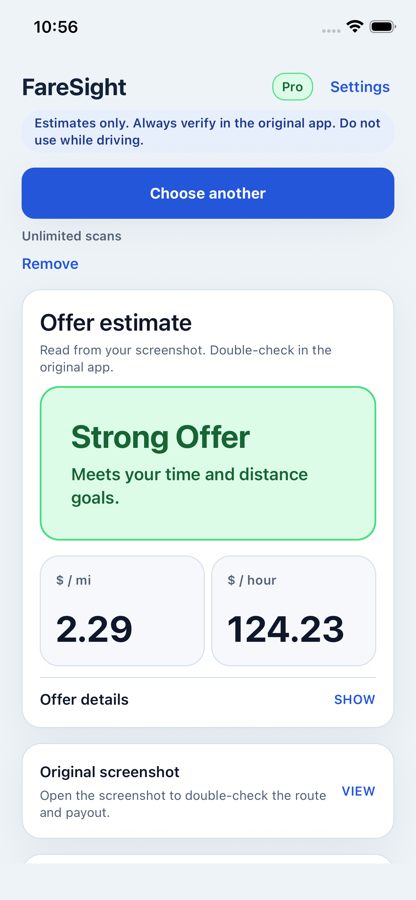
FareSight reads a ride or delivery offer screenshot and shows a quick verdict with payout, distance, time, earnings per mile or kilometer, and estimated earnings per hour.
Estimates only. Always verify in the original app. Do not use while driving.
Use screenshots you already have, then check the verdict and numbers before you spend time on the offer.
Take the screenshot you already use when a trip card or order card appears.
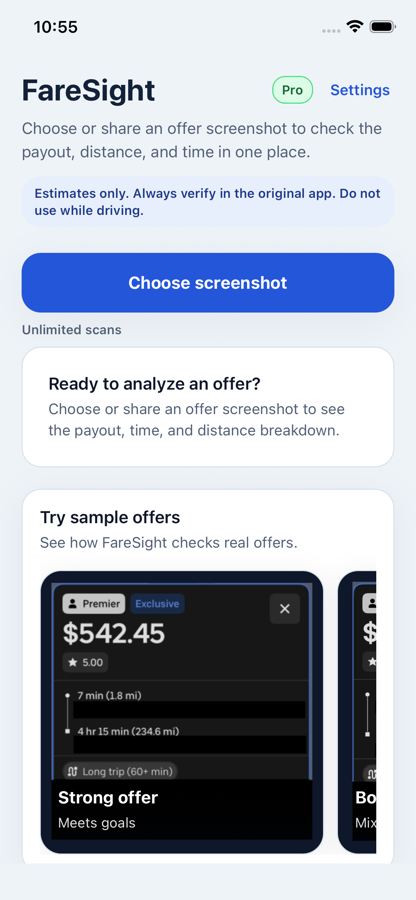
Send it into FareSight from your photo library or through your phone's Share menu.
Review the quick call first, then open details when you want to double-check the numbers.
FareSight shows the estimated payout, distance, time, earning rate, and verdict so you can compare offers before accepting.
Clear green verdict when the offer beats the configured time and distance goals.
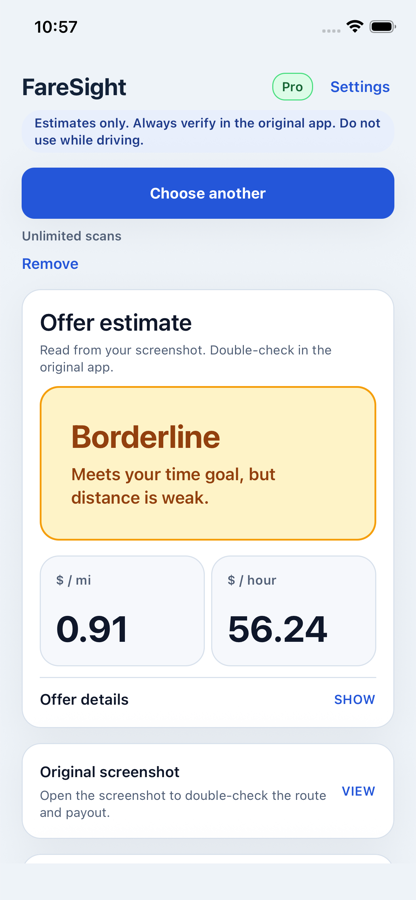
Mixed result when one earning estimate works but another goal is weak.
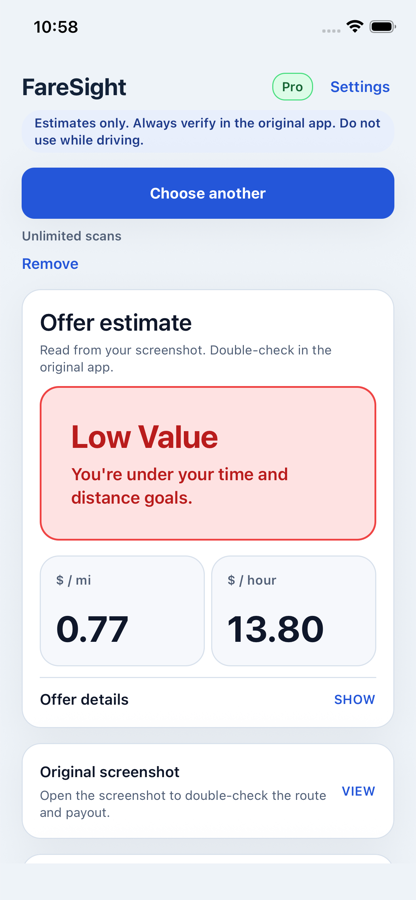
Red verdict makes weak offers easier to spot before you spend time on them.
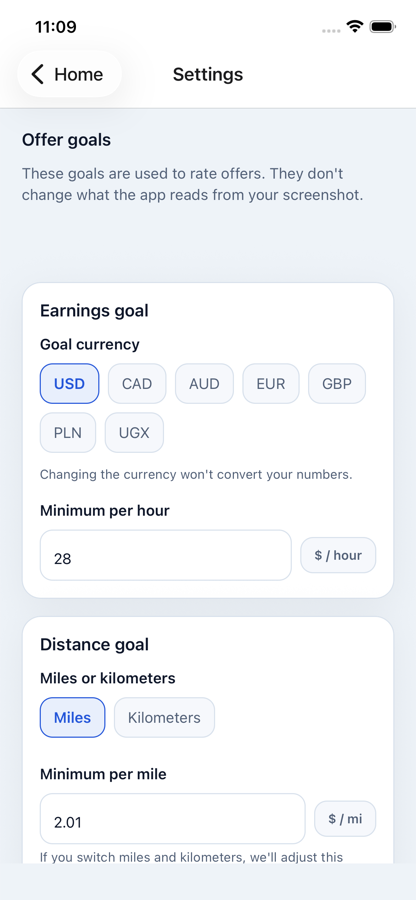
Adjust goal currency, miles or kilometers, minimum hourly rate, and distance target so verdicts match the market you drive in.
Use the same simple steps on the phone you already drive with.
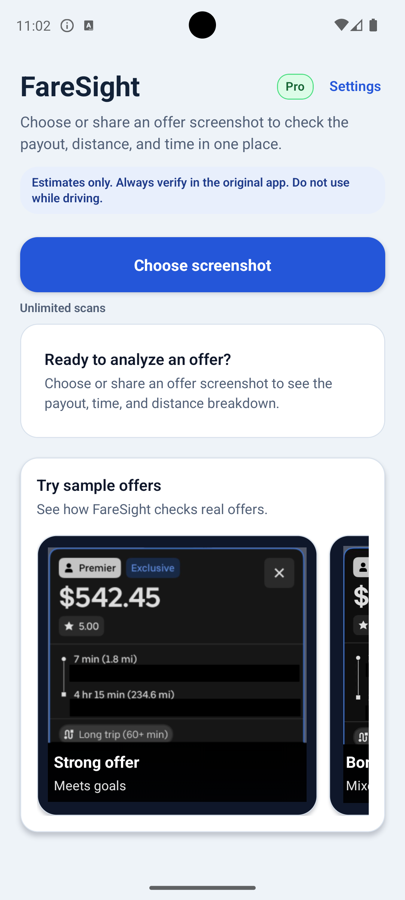
Choose or share an offer screenshot, review the estimate inside FareSight, and compare the result before accepting.
FareSight supports fast decisions, but it does not replace your judgment or the original offer app.
Always verify payout, route, time, and distance in the original app.
Use screenshots instead of connecting driver accounts or platform credentials.
Designed around practical offer screenshots, including imperfect or partial inputs.
Report an incorrect result or an unrecognized screenshot so FareSight can improve.
Do not use FareSight while driving. Check estimates only when it is safe and legal to use your phone.
Choose the store for your phone and start checking offers in seconds.
Need help or got an incorrect result? Email support@wintercore.io.