A few useful answers
Before you get started.
How do I set up Quick Analyze?
FareSight’s guided onboarding and Quick Analyze walkthrough help you get started with a sample offer and your personal goals. On iPhone, choose a supported Shortcut trigger. On Android, set up the floating FareSight button. You choose when to analyze. Quick Analyze requires iOS 16 or later, or Android 11 or later.
Can I analyze a saved screenshot?
Yes. Share a supported offer screenshot to FareSight or select one from your photo library. Screenshot layouts and available details vary by driver app and market; always check the result against the original offer.
What if the offer is missing time or distance?
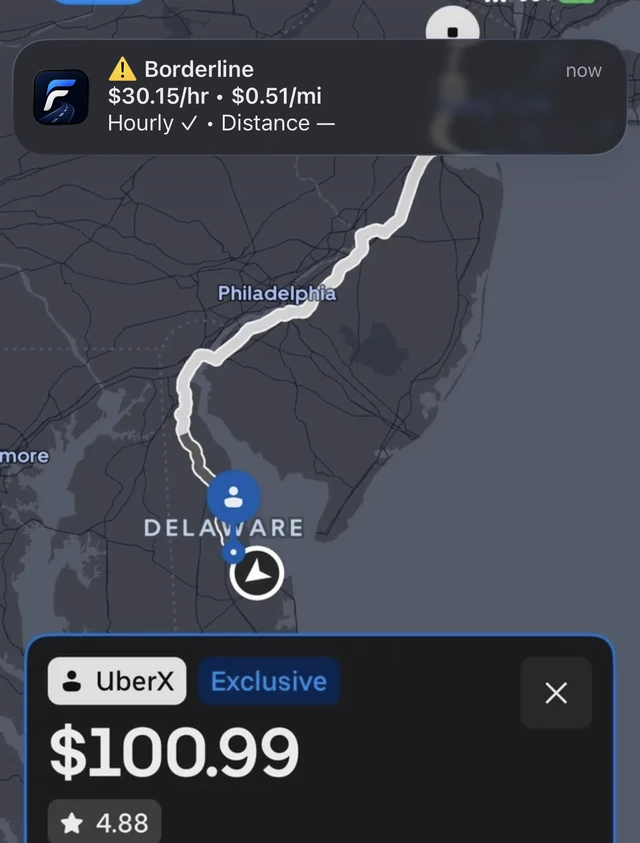
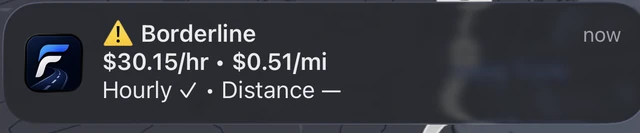
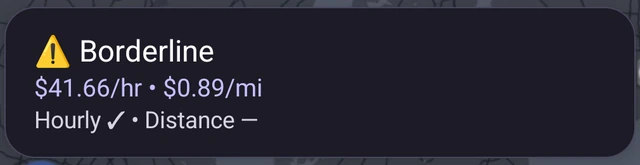
FareSight uses the details it can read. Missing duration can mean a distance rate without an hourly estimate or complete verdict. Missing or unclear information may produce a partial result. FareSight does not invent the missing details.
Does FareSight run continuously or accept offers for me?
No. Quick Analyze starts when you trigger it. FareSight helps compare an offer against your goals; you decide what to do in the original driver app. Always verify estimates, and do not use FareSight while driving.
Why does Android ask for accessibility access?
The optional FareSight accessibility service enables the Android Quick Analyze button and user-triggered screenshot capture. Quick Analyze needs this access on Android; you can choose saved-screenshot analysis instead. Review the in-app disclosure before enabling access. See the Privacy Policy for data handling.
Can I change currency or use kilometers?
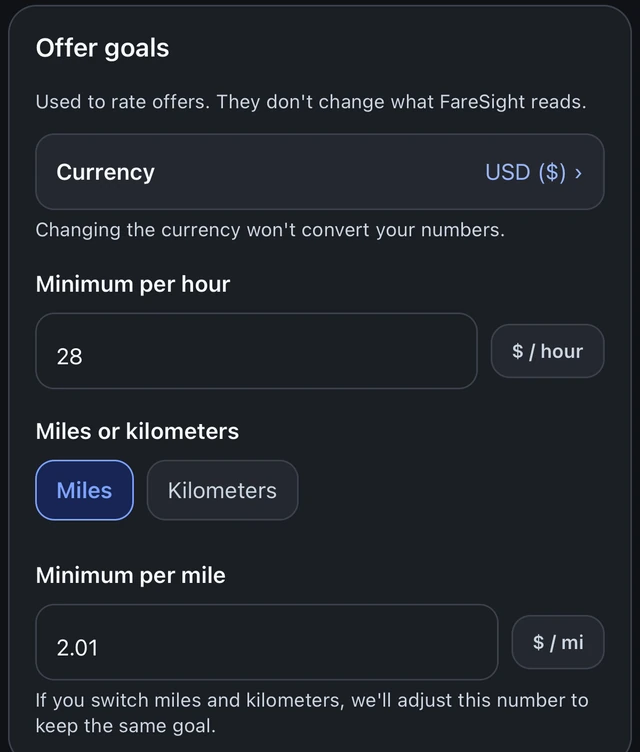
Choose a supported currency and miles or kilometers in FareSight’s goal settings. Your offer and goals need matching currencies; FareSight does not convert exchange rates. An unsupported or unconfirmed currency can prevent a full comparison.
When does my free allowance reset?
You get 5 free quick analyses each day. The allowance resets with your local calendar day, rather than on a rolling 24-hour timer. Quick Analyze and saved-screenshot analysis use the same daily allowance. Pro removes that daily limit.
How do I buy, restore, or manage Pro?
Open FareSight to see the current purchase options and prices. Use Restore purchases in the app to check an existing purchase with the same store account. Manage an Apple subscription in your Apple account settings, or a Google Play subscription in Google Play. For help, contact support.
Are these net earnings or guaranteed results?
No. Rates are gross estimates for the offer details being evaluated, before fuel, vehicle costs, taxes and other expenses. Unshown waiting time, pickup details, changing routes, or incomplete screenshots can affect the estimate. Your goals are personal thresholds, not predictions of a shift’s earnings.
Something still unclear? Contact FareSight support.